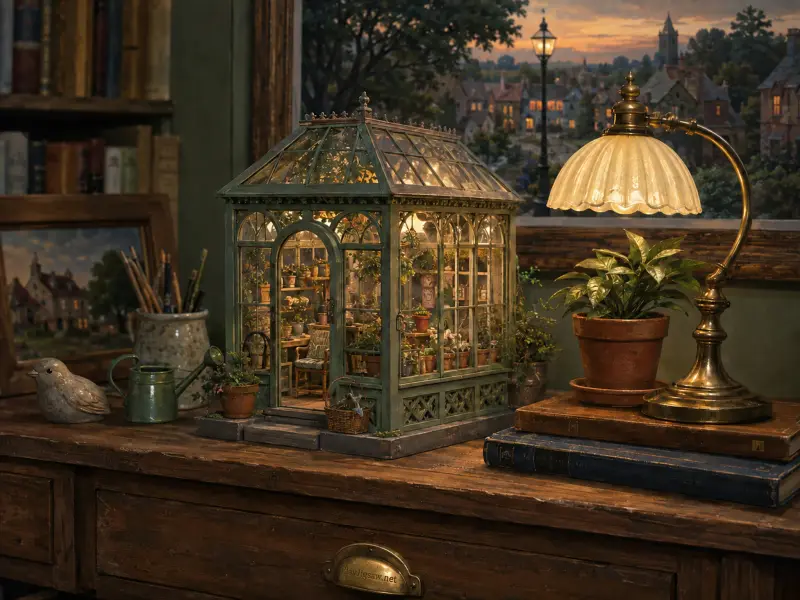
Fantasy
Miniature Greenhouse on a Wooden Desk
6 board sizesChoose
A new picture every day, plus 1,685 more. Choose 36 to 400 pieces and play right here, no download or account.
Fantasy
Food
Landscape
Ocean
Garden
Kids
History
Music
Music
Science
Seasonal
Sports
Vehicle
Animals
Architecture
Art
Family pictures, pets, trips or a birthday surprise. Crop it, pick 36 to 400 pieces and play right away. Private by default, with a share link when you want one.
Make a photo puzzle
Daily Puzzle for September 10, 2026
Guest 0987 · 100 pcs in 13:53
Daily Puzzle for November 7, 2026
Guest 3502 · 64 pcs in 8:27
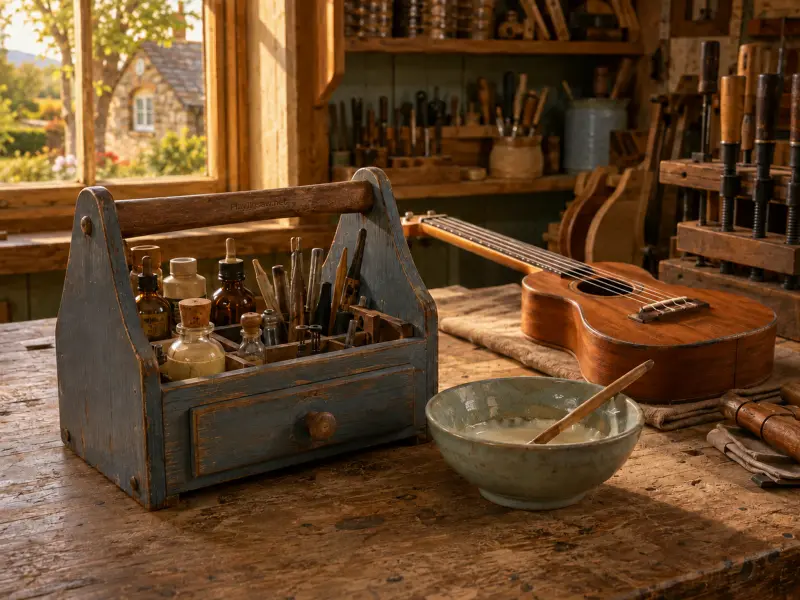
Ukulele Repair by the Workshop Window
Guest 0402 · 100 pcs in 108:41
Daily Puzzle for November 1, 2026
Guest 3789 · 36 pcs in 8:08
Daily Puzzle for November 6, 2026
Guest 3789 · 36 pcs in 10:41
Daily Puzzle for November 5, 2026
Guest 3789 · 36 pcs in 11:05
PlayJigsaw is a free online jigsaw puzzle site. You pick a picture from the library, or upload your own, choose how many pieces you want, and assemble it by dragging pieces on a virtual table. It runs in a normal web browser on phones, tablets and computers, so there is nothing to install and no account is needed to play.
Every puzzle can be played at six sizes from 36 to 400 pieces, which makes the same picture a quick break or a long evening project. A new daily puzzle is added every day, and the puzzle library is organised into categories such as animals, food, art, architecture and landscapes. Your progress is saved automatically in your browser.
Pick a puzzle, choose a piece count, and drag pieces together until they snap. It takes under a minute to start.
Step 1
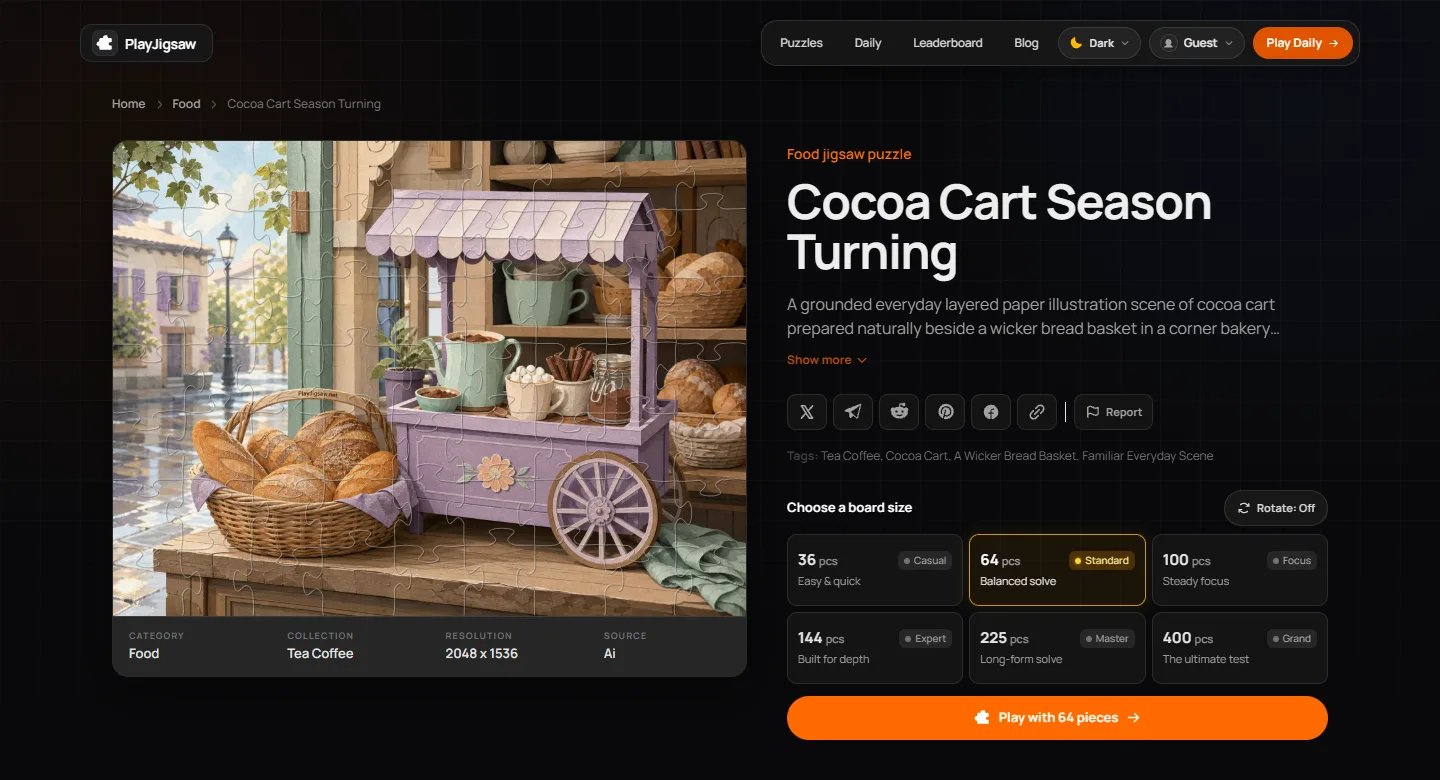
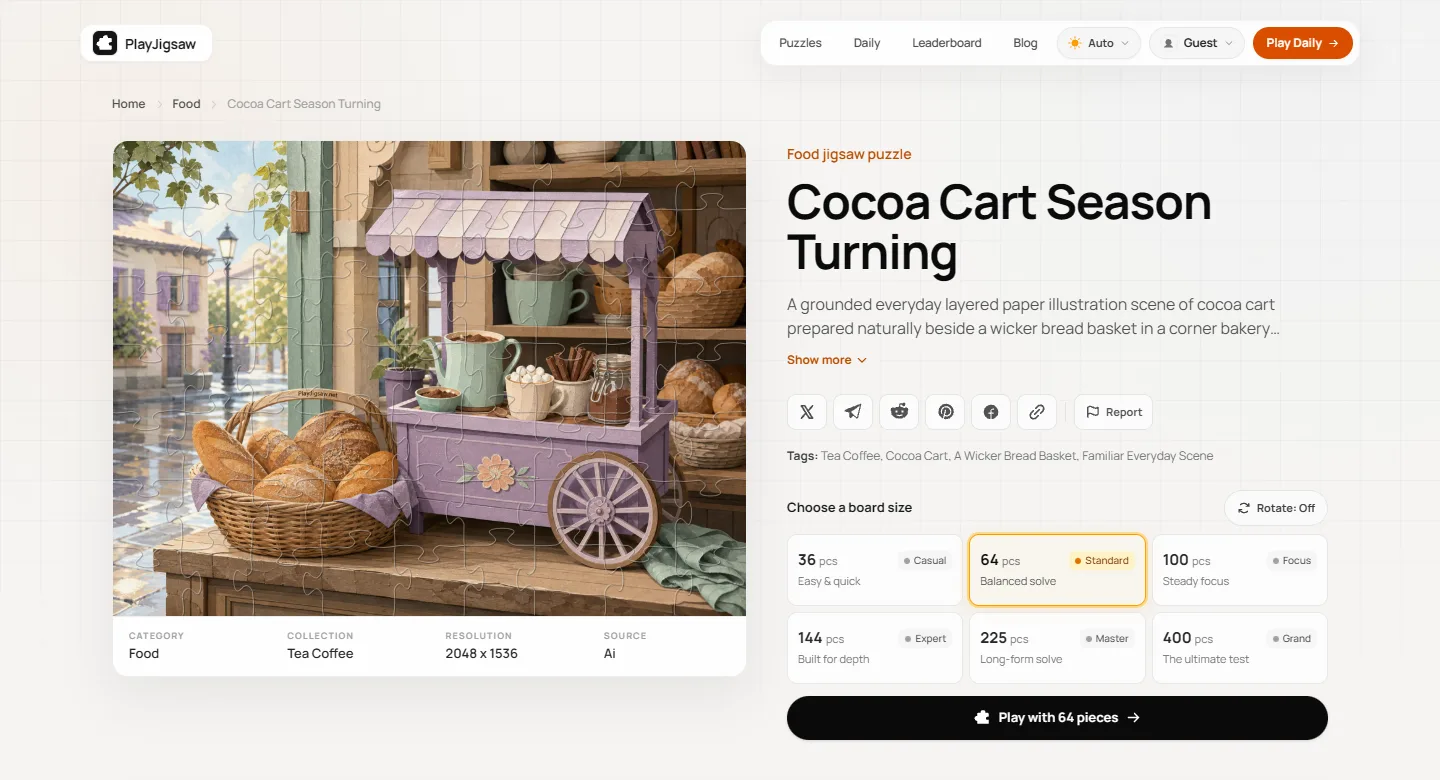
Open any puzzle to see its picture, category and resolution. Select 36, 64, 100, 144, 225 or 400 pieces, and switch on rotation if you want an extra challenge.
Step 2
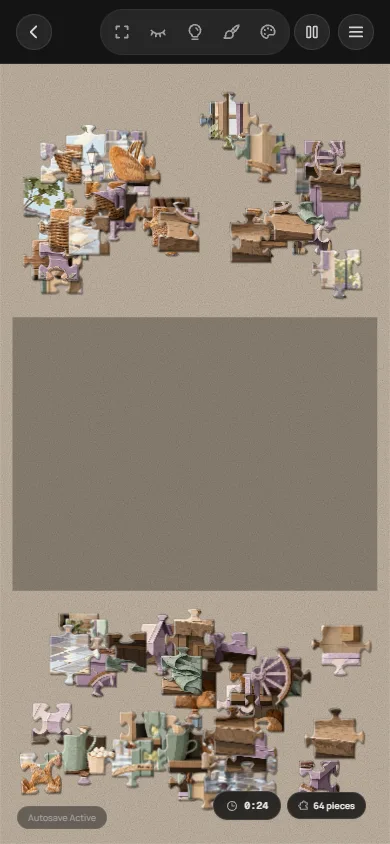
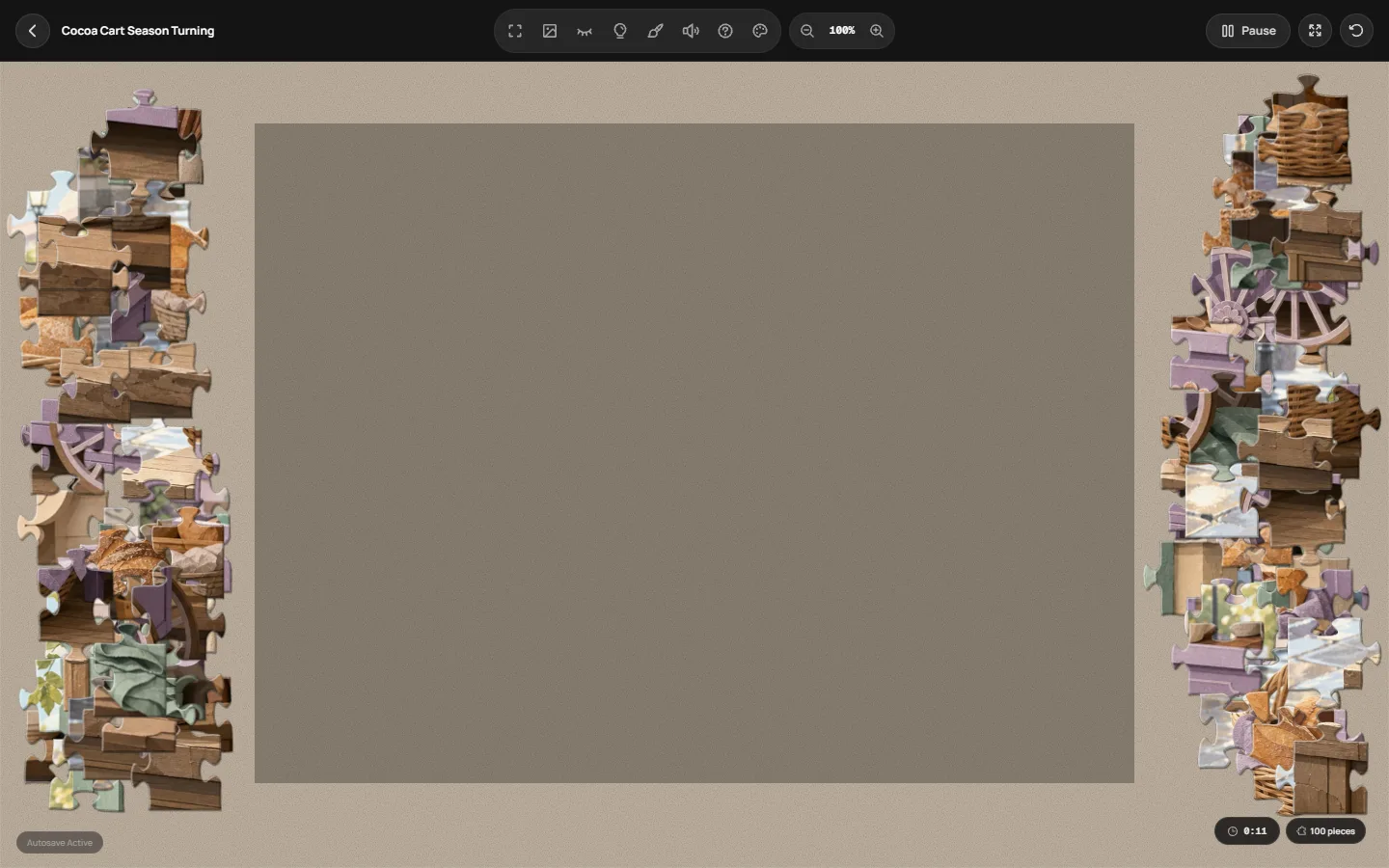
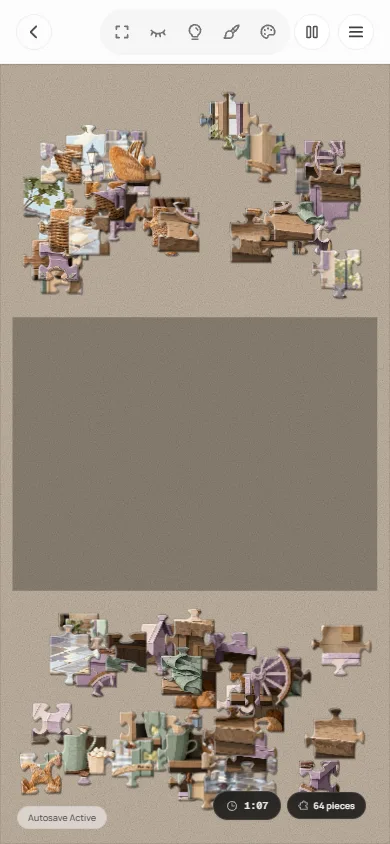
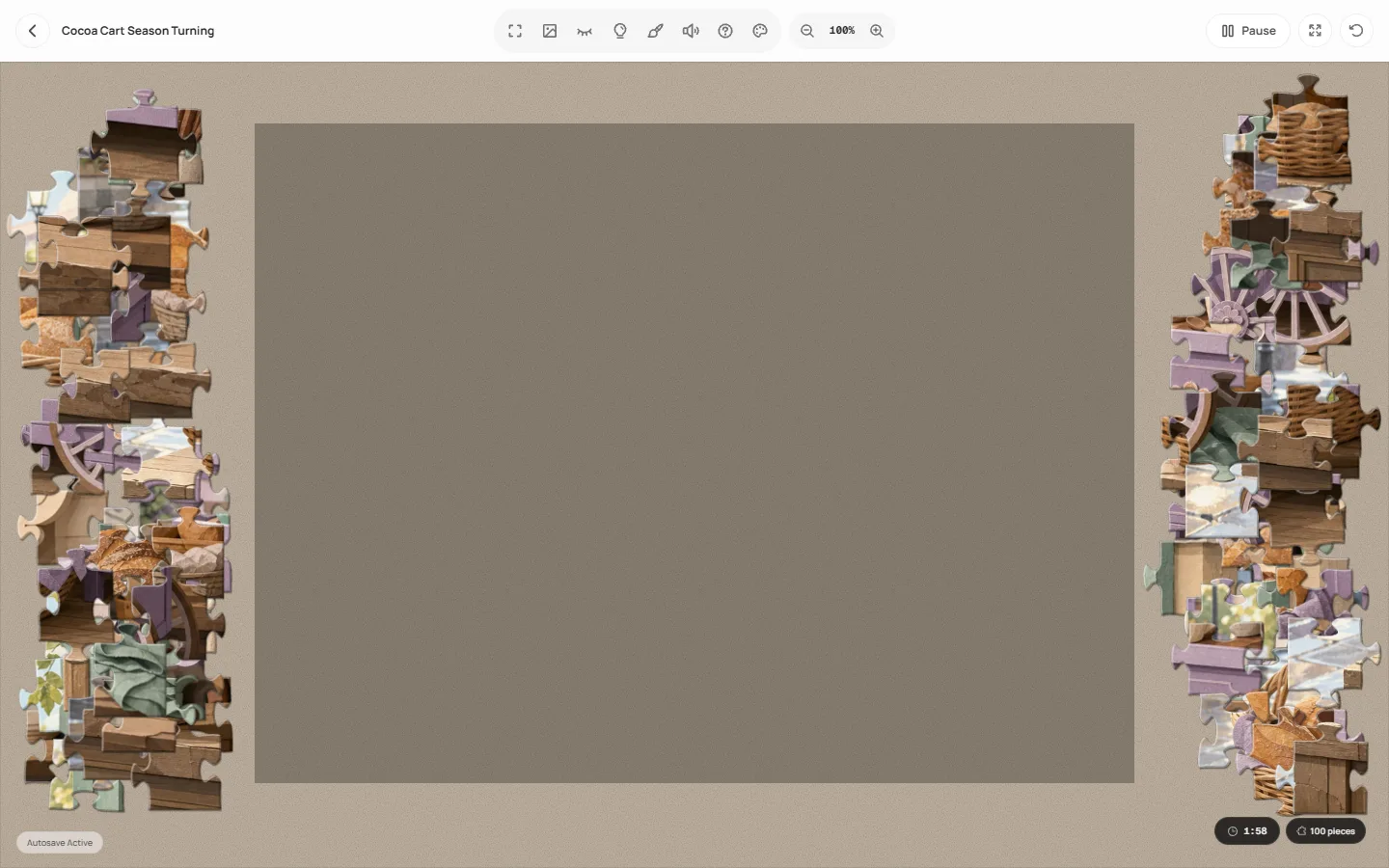
Loose pieces start around the edges of the table. Drag a piece next to a neighbour and it clicks into place. Start with the border if you like, then work inward.
Step 3
When the last piece snaps in, the puzzle is complete and your time can be recorded. You can leave at any point: progress is saved automatically in your browser for each puzzle and piece count, so you can pick it up where you stopped.
Choose 36 to 64 pieces for a relaxed, ten to twenty minute puzzle, 100 to 144 if you want a proper session, and 225 to 400 for a long solve that rewards patience. If you are unsure, start with 64 and go up or down on the next puzzle.
PlayJigsaw cuts every board into square pieces, so the exact grid depends on the shape of the picture. The number in each cell is the real piece count you get.
| Size | Square 1:1 | Wide 3:2 | Classic 4:3 |
|---|---|---|---|
| 36 · Casual | 6 × 6 (36) | 7 × 5 (35) | 7 × 5 (35) |
| 64 · Standard | 8 × 8 (64) | 9 × 6 (54) | 9 × 7 (63) |
| 100 · Focus | 10 × 10 (100) | 12 × 8 (96) | 12 × 9 (108) |
| 144 · Expert | 12 × 12 (144) | 15 × 10 (150) | 14 × 10 (140) |
| 225 · Master | 15 × 15 (225) | 18 × 12 (216) | 17 × 13 (221) |
| 400 · Grand | 20 × 20 (400) | 24 × 16 (384) | 23 × 17 (391) |
The board has eight helpers, and all of them are optional. The two most useful for large puzzles are the edge filter and the reference image. Press ? or the help button in the toolbar to see every shortcut.
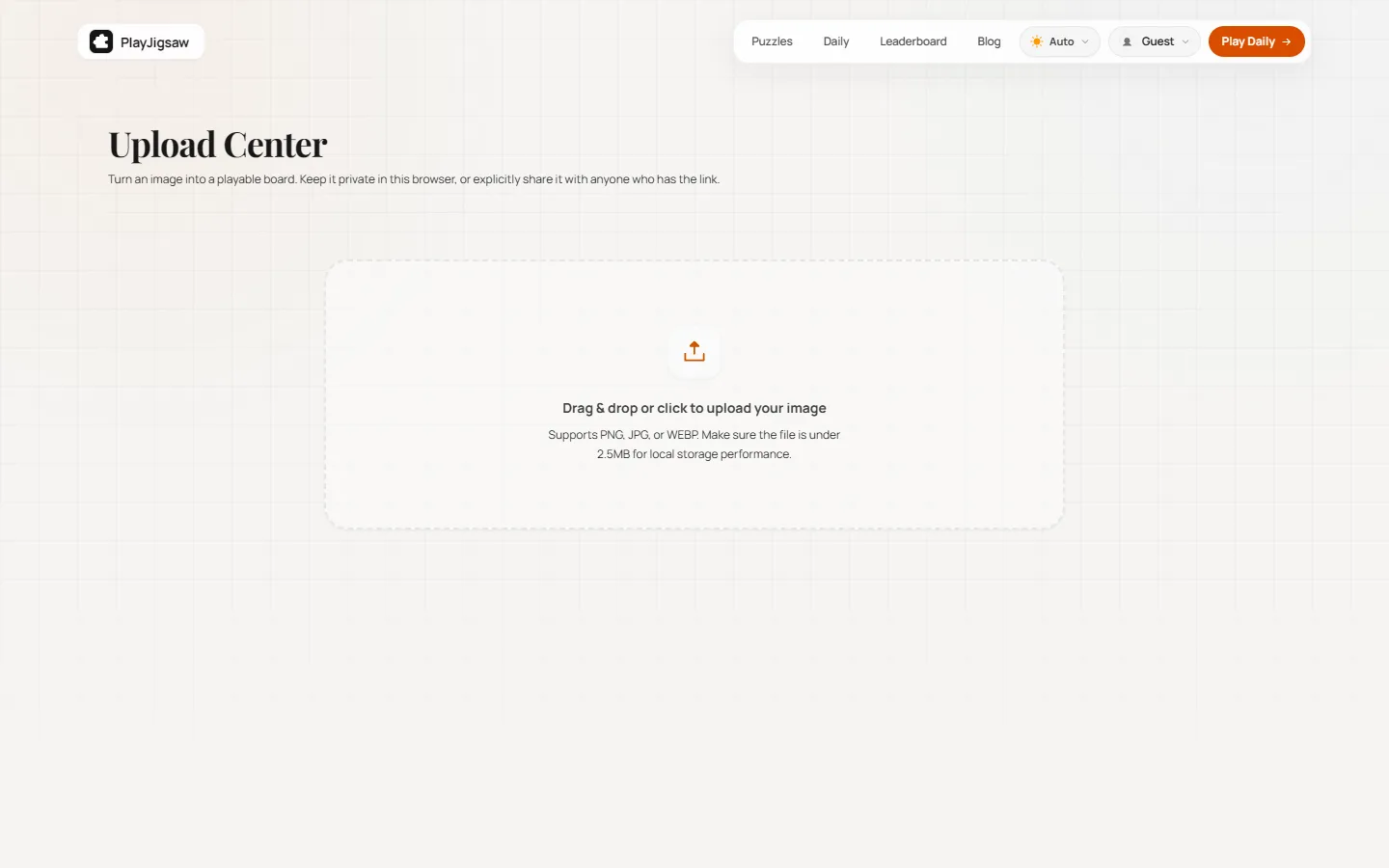
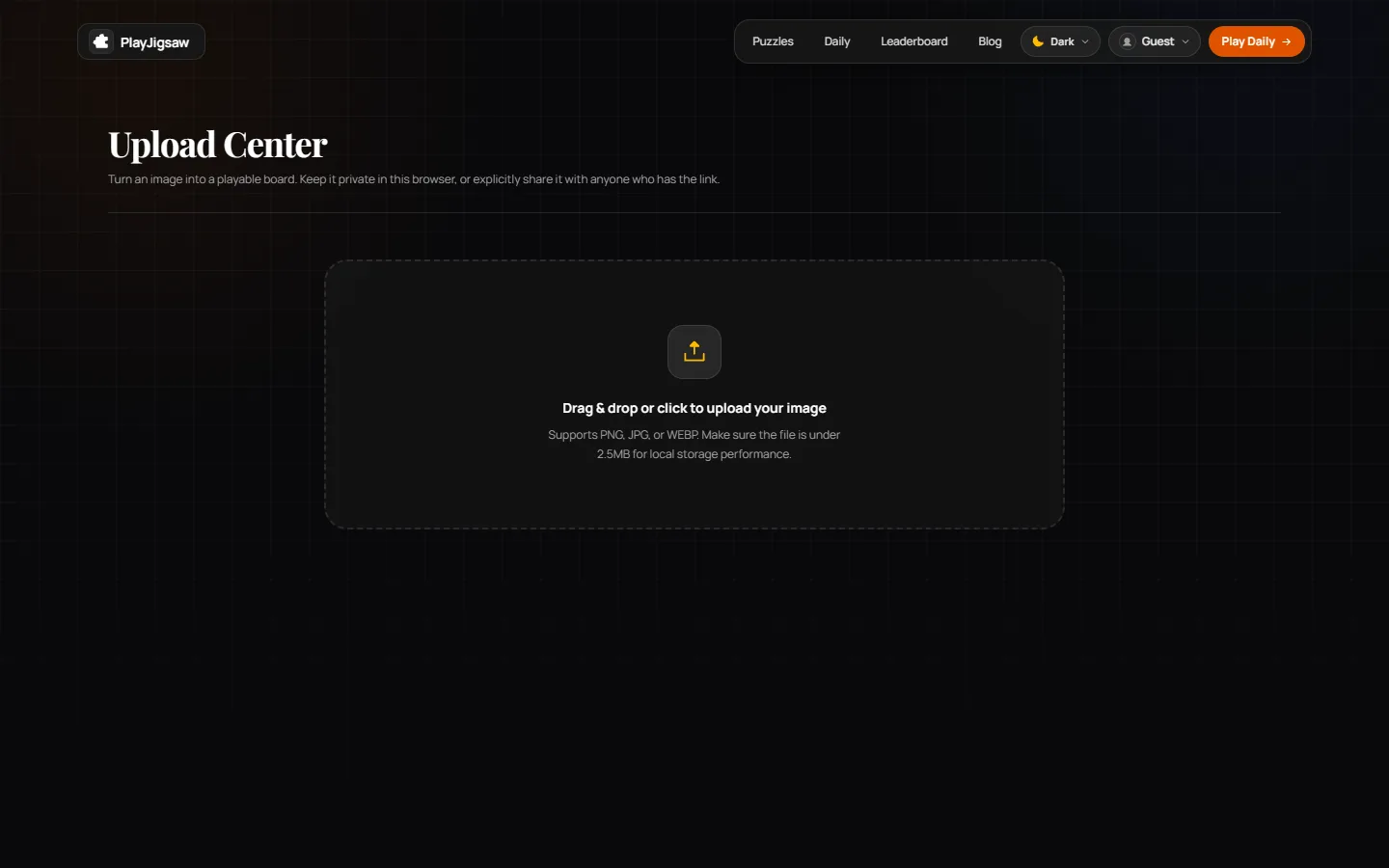
Yes. On the upload page you choose a JPG, PNG or WEBP photo of any size, crop it, and it becomes a playable board at any of the six sizes. Family photos, travel shots and artwork all work well; pictures with varied colour and detail make better puzzles than flat or empty ones.
Privacy is the default. An upload stays in your browser and is not sent to our servers. It is only uploaded, with a share link, if you choose to share it.
The library is original AI-generated artwork, and each puzzle page says so. Every image is screened before it is published for clear subject areas, enough variety in colour and texture, and enough detail to stay enjoyable at larger piece counts. Images that look muddy, empty or text-heavy are left out.
If you spot a problem, use the Report button on the puzzle page. You can read more about how the site works on the about page, or reach us through the contact page for bugs, privacy requests and app store support. PlayJigsaw also has free apps for iOS and Android.
Yes. Every puzzle, the daily puzzle and photo uploads are free to use, with no subscription and no in-app purchases. The site is supported by advertising.
No. Puzzles run directly in your browser, and you can play as a guest. An account is only useful if you want your progress to sync between devices or your finishing times to appear on a leaderboard.
Yes. The board works in mobile browsers with touch controls: drag a piece with one finger, double-tap a piece to rotate it when rotation is on, and use the zoom buttons in the toolbar. Free iOS and Android apps are also available if you prefer one.
Every puzzle can be played at 36, 64, 100, 144, 225 or 400 pieces. These are target sizes: PlayJigsaw keeps every piece square, so the exact grid follows the shape of the picture. A standard 4:3 image at 64 pieces, for example, becomes a 9 × 7 grid of 63 pieces.
Yes. Progress is saved automatically in your browser, separately for each puzzle and piece count, so you can come back later and continue. Because it lives in the browser, clearing your site data removes it unless you signed in to sync.
Yes. Choose a JPG, PNG or WEBP photo of any size, crop it, and it becomes a playable board. Uploads are private by default and stay in your browser. A photo is only uploaded to our servers, with a share link, if you choose to share it.
Yes. The library is original AI-generated artwork, and each puzzle page says so. Every image is screened for play quality before it is published, and you can report a problem image with the Report button on its puzzle page.
Use the Report button on any puzzle page for image issues, or write to us through the contact page for bugs, privacy requests and app store support.